Add an Open Terminal Here Shortcut Menu to Thunar
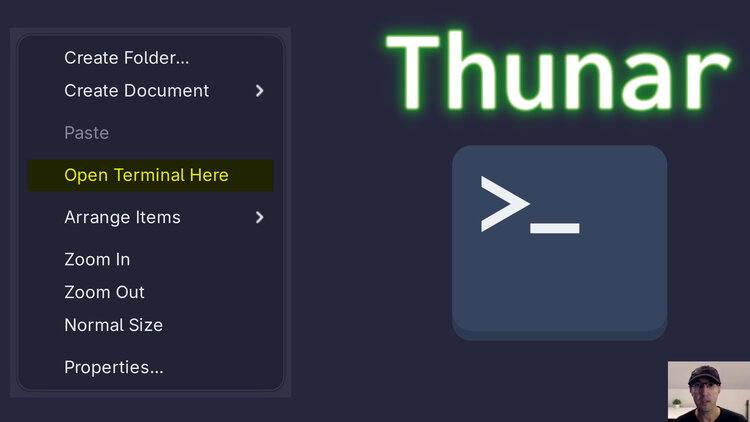
We'll also cover how to add it to your toolbar and set up a custom hotkey for multiple ways of easy access.
Quick Jump:
While I do like using the command line, I often reach for Thunar as my go-to tool for a graphical file manager.
Being able to open a terminal based on the directory I’m viewing in Thunar is important and that’s something we can set up very quickly.
This works with all terminals and even if you’re not using Thunar, as long as your file manager supports being able to add custom actions to run a command then you’re golden.
The video below shows how to set everything up.
# Demo Video
Timestamps
- 0:11 - Showing the Thunar menu and toolbar shortcuts
- 0:59 – Configuring Thunar’s menu
- 2:48 – Adding it to the Thunar toolbar
Did you add this to your Thunar set up? Let me know below.