Differentiate Between an Empty or Unset String Variable with Bash
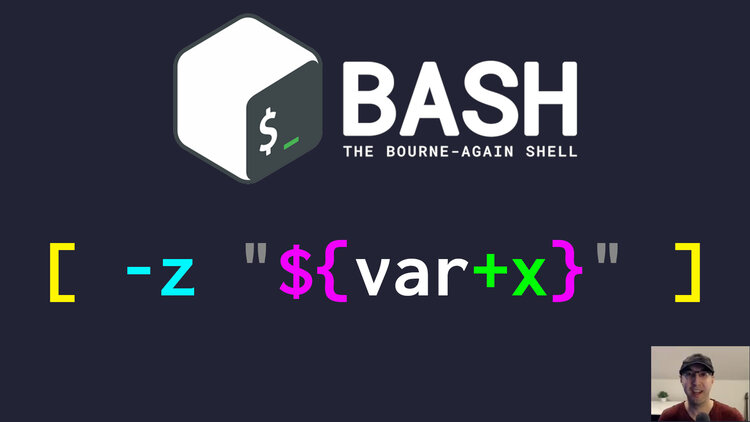
We'll go over a POSIX compliant solution using parameter expansion as well as a Bash 4.2+ variable existence check.
In a lot of cases you can do var="${var:-}" which will either use var if
it’s been set or fallback to an empty string. Then your script can do whatever
you need with ${var} because you know it’s defined and either empty or has a
value. Then in your script, if it’s empty maybe you have a custom validation
error. I use this pattern most of the time.
But every once in a while you might want to be able to tell if a variable is unset (undefined, commented out in a config file, etc.) vs being set but with an empty value.
We all know you can do this to check if a variable is empty:
if [ -z "${var:-}" ]; then
  echo "var= | Empty, but we don't if it's unset or an empty string"
else
  echo "var=${var} | Set and non-empty"
fi
But the problem is, we don’t know why it’s empty. Was it unset or explicitly set as an empty string? This detail can matter depending on what you’re building. Maybe you only want to define a variable with some value if it’s unset and if a user already has that variable set and it’s empty, that’s ok and you want to keep it empty.
We can get this behavior to work, even when using set -o nounset.
# Parameter Expansion
This is POSIX compliant so it’ll work pretty much everywhere:
#!/usr/bin/env sh

set -o errexit
set -o nounset

# var=
# var="hello"

# This uses POSIX compliant parameter expansion.
#
# If the variable is not set then ${var+x} expands to "", otherwise it expands
# to "x" and "x" can be any string, it's idiomatic to use "x".
#
# Given the above, once that "is unset?" check is done, we can then figure out
# if it's empty or not using a regular -z check on ${var}.
if [ -z "${var+x}" ]; then
  # Notice the :- fallback to protect against nounset. Normally you may not
  # need to reference it since you know it's unset but here's how you can.
  echo "var=${var:-} | Unset"
# We know it's set, but is it empty or not?
elif [ -z "${var}" ]; then
  echo "var=${var} | Empty"
# It must be set and has a value.
else
  echo "var=${var} | Set and non-empty"
fi
Here’s a few outputs:
# When var is commented out.
$ ./posix-compliant
var= | Unset

# When var= is set.
$ ./posix-compliant
var= | Empty

# When var=hello is set.
$ ./posix-compliant
var=hello | Set and non-empty
You can also rewrite the above as a case statement if it helps understand it more since it separates out the conditions a little more clearly. This does the exact same thing as the above:
case "${var+x}" in
"")
  echo "var=${var:-} | Unset"
  ;;
x)
  if [ -z "${var}" ]; then
    echo "var=${var} | Empty"
  else
    echo "var=${var} | Set and non-empty"
  fi
  ;;
esac
# Bash 4.2+ Built-In Variable Existence
#!/usr/bin/env bash

set -o errexit
set -o pipefail
set -o nounset

#var=
#var="hello"

# Uses Bash's built-in variable existence check instead of parameter expansion.
if [[ ! -v var ]]; then
  echo "var=${var:-} | Unset"
elif [ -z "${var}" ]; then
  echo "var=${var} | Empty"
else
  echo "var=${var} | Set and non-empty"
fi
This produces the same output as the parameter expansion solution, it’s just a little more clear. If your script already depends on Bash 4.2+ features you can consider using this.
The video below shows all 3 examples.
# Demo Video
Timestamps
- 0:10 – When you won’t need this
- 0:55 – Using -z by itself doesn’t work
- 1:31 – POSIX compliant parameter expansion
- 3:04 – The same but with a case statement
- 4:13 – Built in Bash 4.2+ variable existence check
When was the last time you used this pattern? Let me know below.