Parse Wildcard Arguments in Bash
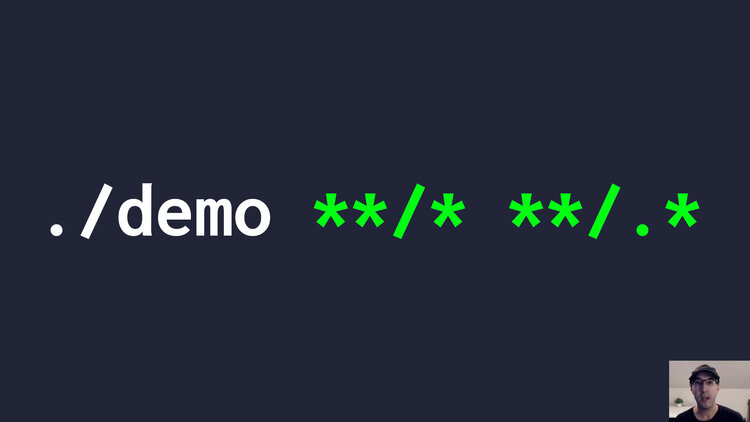
This could come in handy if you want to accept multiple file patterns as input so you can process them however you see fit.
This isn’t limited to processing files but it’s nice to be able to run ./demo *.txt or ./demo a b c and have your script support it. You can go 1 step
further and add a few quality of life enhancements like allowing ./demo hello.txt *.txt but have it avoid processing duplicate files.
If your shell supports it, globstar patterns will work too for recursive
matches such as **/*.txt. If you use zsh that works out of the box, if
you’re using bash you can set shopt -s globstar nullglob in your shell
before you call this script.
Here’s the script:
#!/usr/bin/env bash

set -o errexit
set -o pipefail
set -o nounset

declare -A seen

for path in "${@}"; do
  # Skip files that have been accounted for already, this allows for duplicates
  # without throwing an error. The +x expansion produces "x" when the key is
  # set and an empty string when it is unset, this avoids a nounset error.
  [ -n "${seen["${path}"]+x}" ] && continue
  seen["${path}"]=1

  # Skip directories.
  [ -d "${path}" ] && continue

  if [ ! -f "${path}" ]; then
    echo "Error: '${path}' does not exist or is not a file" >&2
    exit 1
  fi

  echo "Processing: ${path}"
done
If you want to try it out, here’s a command to quickly generate a few directories and files:
mkdir -p ok/thanks \
  && touch cool .env hello.txt "with space" yep.txt ok/nice.txt ok/thanks/another-file.txt ok/thanks/alright ok/thanks/.hidden-file
Here’s a few usage examples:
# All files in the current directory.
./demo *

# All text files in the current directory.
./demo *.txt

# All hidden files in the current directory.
./demo .*

# All files recursively.
#  Using zsh? This will work out of the box.
#  Using bash? You'll want to run `shopt -s globstar` first in your shell.
./demo **/*

# All text files recursively.
./demo **/*.txt

# All hidden files recursively.
./demo **/.*

# All regular and hidden files recursively.
./demo **/* **/.*

# All files in the current directory and demonstrate "cool" is only processed once.
./demo * cool cool
Here’s a practical example of this to concat videos with FFmpeg.
The video below shows the outputs of the above commands and more.
# Demo Video
Timestamps
- 0:27 – A couple of basic examples with star
- 1:16 – Globstar for recursive matches
- 2:28 – Targeting hidden files
- 2:59 – Avoid duplicate files
- 3:30 – Going over the script
- 5:35 – Using declare -p to inspect the array
Will you be using this in one of your scripts? Let me know below.