Scrape the Word of the Day on the Command Line with curl
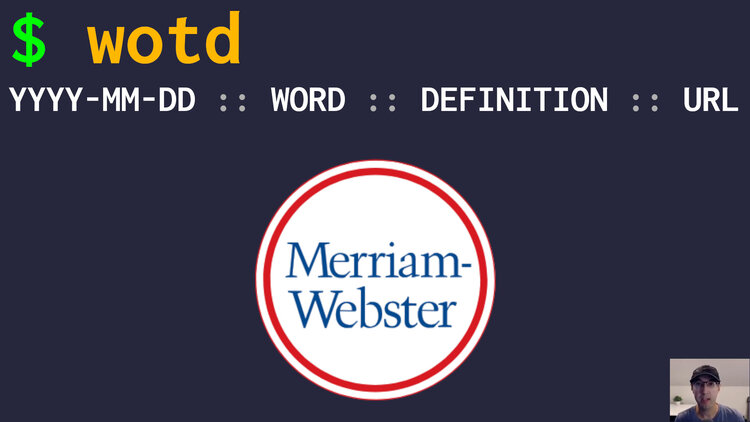
Sometimes I like knowing the word of the day and wanted a quick way to grab it on the command line without too many dependencies.
Here’s the script that I use from DotFriedRice to grab the word of the day from the Webster dictionary. I’ve been using it for almost a year now and it’s been stable:
#!/usr/bin/env bash
# Get the word of the day with its definition.

DATA=$(curl --silent https://www.merriam-webster.com/wotd/feed/rss2)
WORD=$(sed -n 's|.*<title><!\[CDATA\[\(.*\)\]\]></title>.*|\1|p' <<<"${DATA}" | head -1)
DEFINITION=$(sed -n 's|.*<merriam:shortdef><!\[CDATA\[\(.*\)\]\]></merriam:shortdef>.*|\1|p' <<<"${DATA}" | head -1)

echo "$(date "+%F") :: ${WORD} :: ${DEFINITION} :: https://www.merriam-webster.com/dictionary/${WORD}"
When you run it, you’ll get results back like this on 1 line:
2026-11-04 :: fulsome :: generous in amount, extent, or spirit :: https://www.merriam-webster.com/dictionary/fulsome
The WORD and DEFINITION patterns with sed extract the information we want
from this curl output from the RSS feed:
WORD:<title><![CDATA[fulsome]]></title>DEFINITION:<merriam:shortdef><![CDATA[generous in amount, extent, or spirit]]></merriam:shortdef>
The goal is to extract specific text within those CDATA attributes. It looks
complicated because we’re dealing with escaping a literal [ a bunch of times
and are also using capture groups within \( ... \). We’re using |p to
print the line if we find a match and are using | instead of / as a sed
delimiter since our search string has / (it avoids escaping them).
I don’t run it all the time but sometimes it’s fun. Most of the time the definition is enough but I added a link back to the word on Webster’s site for more details.
I like it because it’s simple and stateless. You could have this run every morning and append the results to a file if you were interested in keeping the history but for me, it’s more of a “I wonder what today’s word is” which I might randomly run a few times per month.
The video shows the script in action and breaks down the sed commands.
# Demo Video
Timestamps
- 0:07 – Demoing the script
- 0:34 – Breaking down the script
- 2:57 – Breaking down the sed commands
Will you end up using this? Let me know below.